Help:
On each respective extension page there is a “Download Now” button at the top of the page.
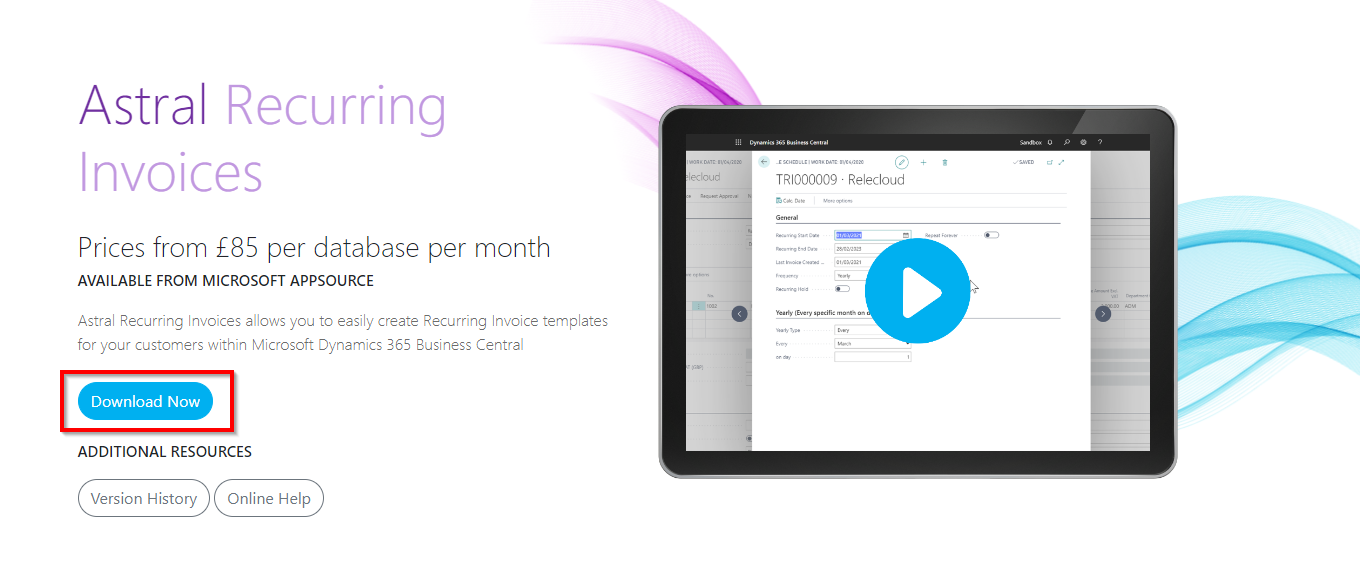
Figure 1 | Extension Page - Download Now
Clicking that, there will then be a “Buy Now” button, which will open our pre-purchase questionnaire.
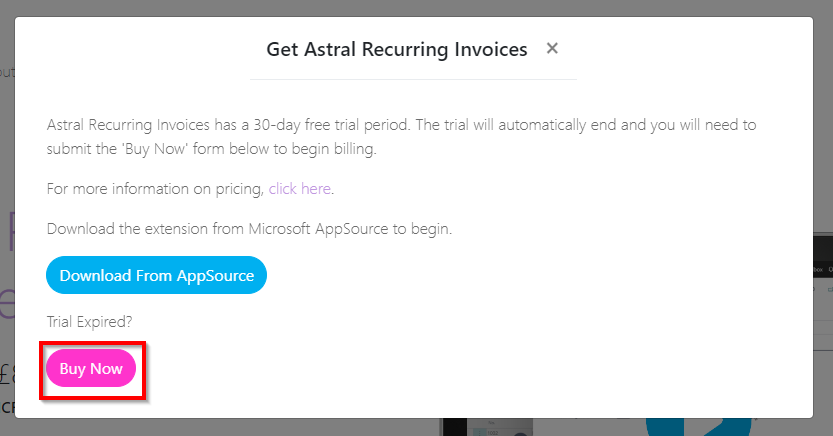
Figure 2 | Extension Page - Buy Now
Please note, in order to fill in the purchase form you will need to know your/your customers Licence GUID. To find this, make sure the extension is loaded onto the live environment (see the section on Moving From A Sandbox Environment To A Live Environment). Once the extension is loaded, in your/your customers Business Central (depending on who you are purchasing for), in the search bar type the extension name followed by “Licence Information” (i.e. Astral Recurring Invoices Licence Information). The licence Information window will open, and there is a field called “Licence GUID”, this is the number you will need.
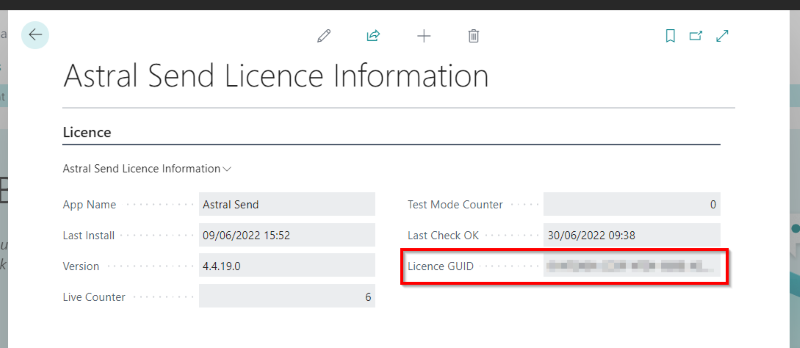
Figure 3 | Extension Licence GUID